macOS Default Browser & Smart Link Routing
Use BrowSync as your Mac default browser to automatically open links in Safari, Chrome, Edge, Firefox, or another browser based on website, URL, and custom routing rules.
BrowSync makes Safari, Chrome, Edge, Firefox, and other Chromium browsers work together. Sync bookmarks, sessions, cookies, and tabs in real time, and route every link to the right browser—all locally on your Mac.
 ↔
↔
 ↔
↔

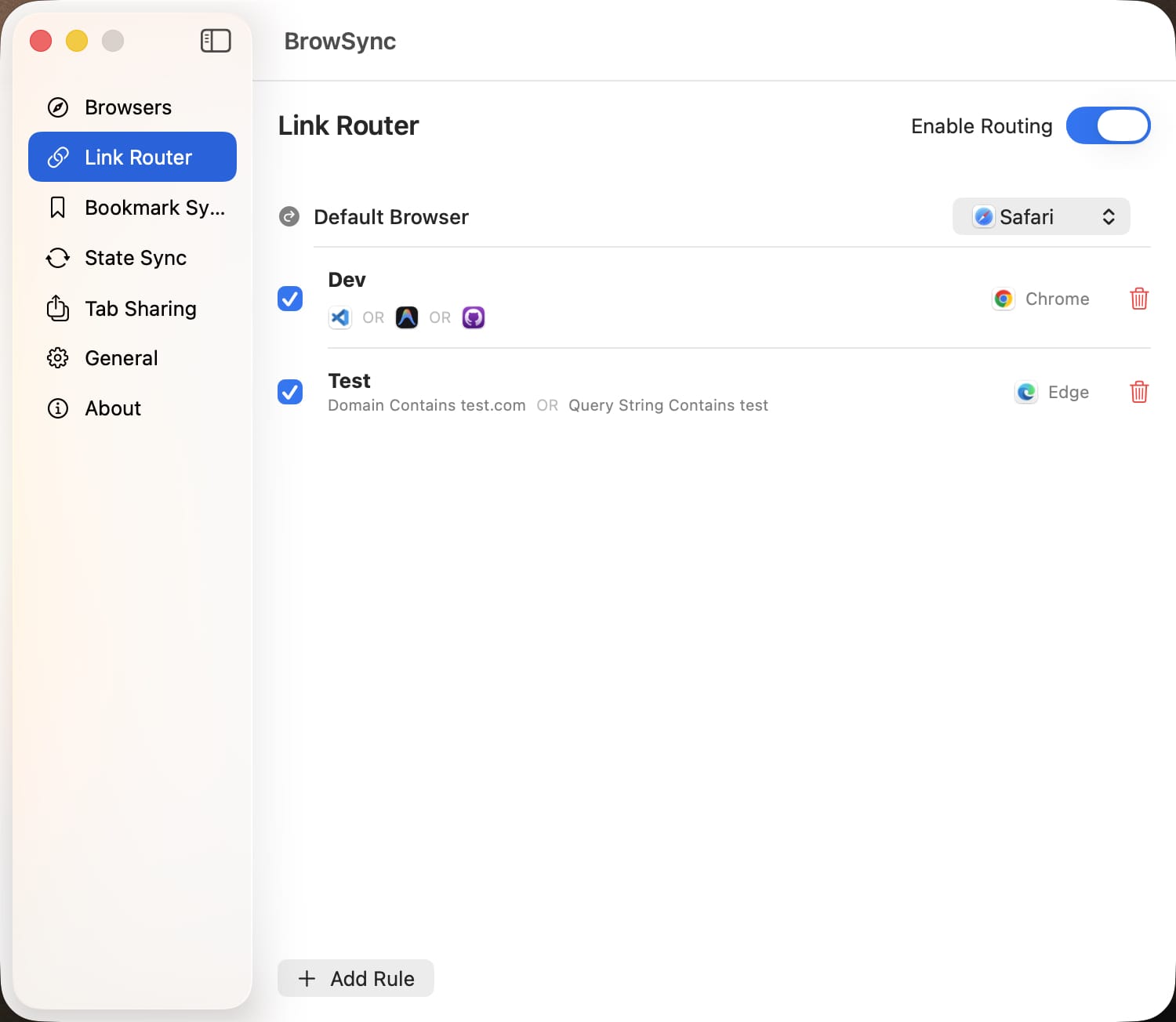
Use BrowSync as your Mac default browser to automatically open links in Safari, Chrome, Edge, Firefox, or another browser based on website, URL, and custom routing rules.
Sync bookmarks in real time across browsers on Mac. Choose a dedicated bookmark sync folder for each browser without changing its other bookmarks.
Sync cookies, website data, and caches across supported browsers to keep website login sessions consistent.
Bookmark and session sync plus link-rule matching run locally. Your browser data stays on your Mac and is not uploaded to BrowSync servers.
Built natively with SwiftUI for macOS, BrowSync supports Dark Mode, menu bar access, and a low memory footprint.
Sync BrowSync settings, browser routing rules, and tabs across multiple Macs for a continuous cross-device workflow.
Share the current tab or all open tabs across Safari, Chrome, Edge, Firefox, and other browsers without copying links one by one.
Connect your browsers and keep bookmarks, sessions, and tabs in sync.